
Lenovo 2026 AI Real Time Translation Wireless Earphones TWS Hi-Fi IMAX-level Sound Earphones Stereo ENC Noise Cancelling Earbuds


Lenovo 2026 AI Real Time Translation Wireless Earphones TWS Hi-Fi IMAX-level Sound Earphones Stereo ENC Noise Cancelling Earbuds
Hello, dear customer, the following is the use of AI Bluetooth headset, you can follow the steps to operate, I hope you can use happy.
Use the tutorial:
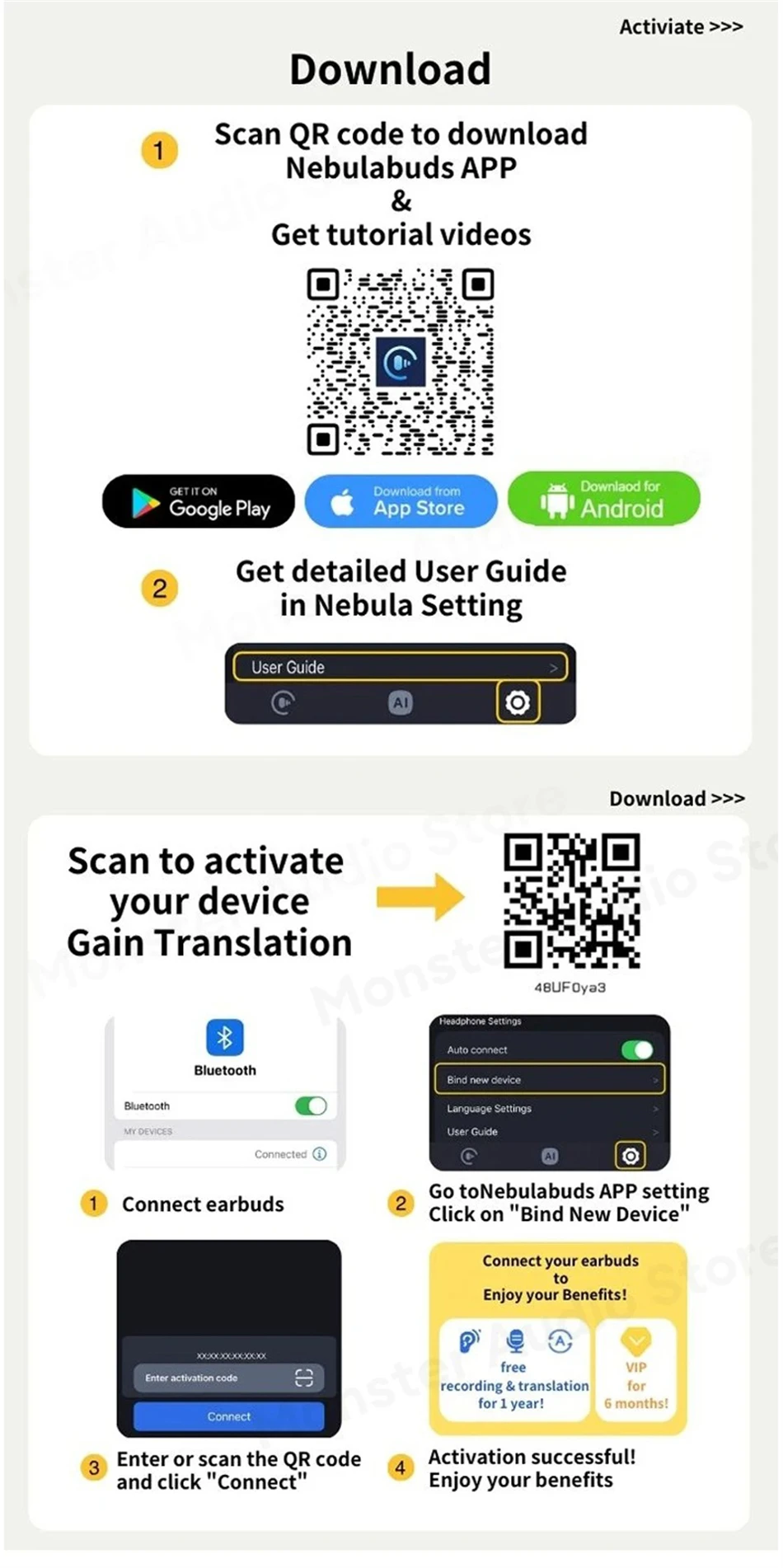
Step 1: You need to take out the small card in the box and use other software (browser) to scan the QR code and download the AI Bluetooth APP (NebulaBuds).
Step 2: Log in to the Bluetooth APP and enter the APP page (you can choose your email or Apple account to log in)
Step 3: After entering the AI Bluetooth APP page, you need to take the headset out, click link management, select the activation code connection, enter the activation code and click Connect. Will jump to the system Bluetooth and find the headset name and Bluetooth connection.
Step 4: After connecting the headset, enter the activation code and click Connect (scan or enter the activation code) to successfully enter the operation page. (So you can use the headset's AI function)
 Product Specifications:
Brand Name:Lenovo
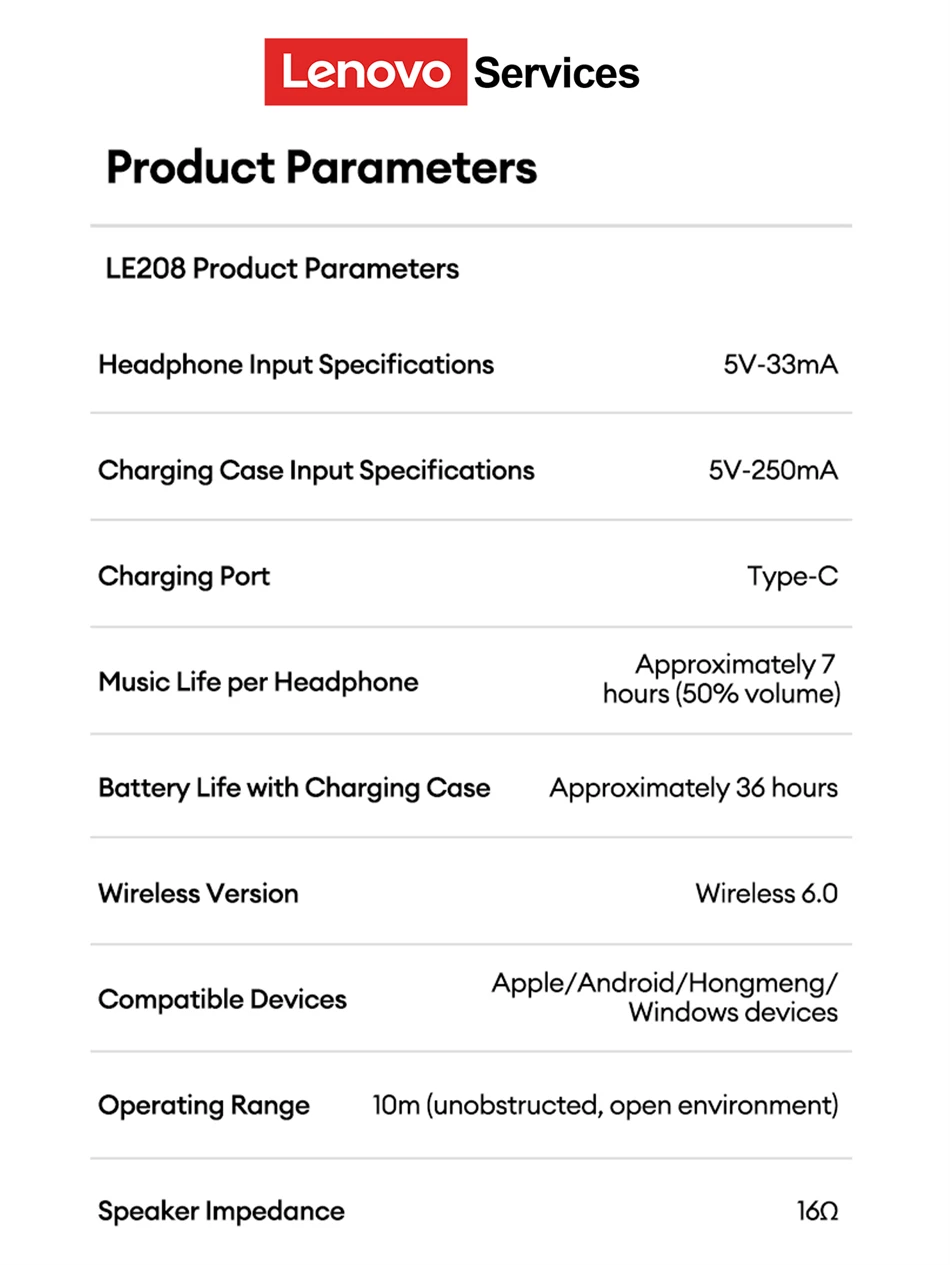
Headphone Input Specifications:5V-33mA
Charging Case Input Specifications:5V-250mA
Charging Port: Type-C
Music Life per Headphone: Approximately 7 hours (50% volume)
Battery Life with Charging Case: Approximately 36 hours
Wireless Version: Wireless 6.0
Compatible Devices:Apple/Android/Hongmeng/Windows devices
Operating Range: 10m (unobstructed, open environment)
Speaker Impedance: 16Ω
Package Included:
2* Bluetooth Earphones
1* Charging Case
1* Type-C Cable
1* User Manual
2 Set Earphone Silicone Tips
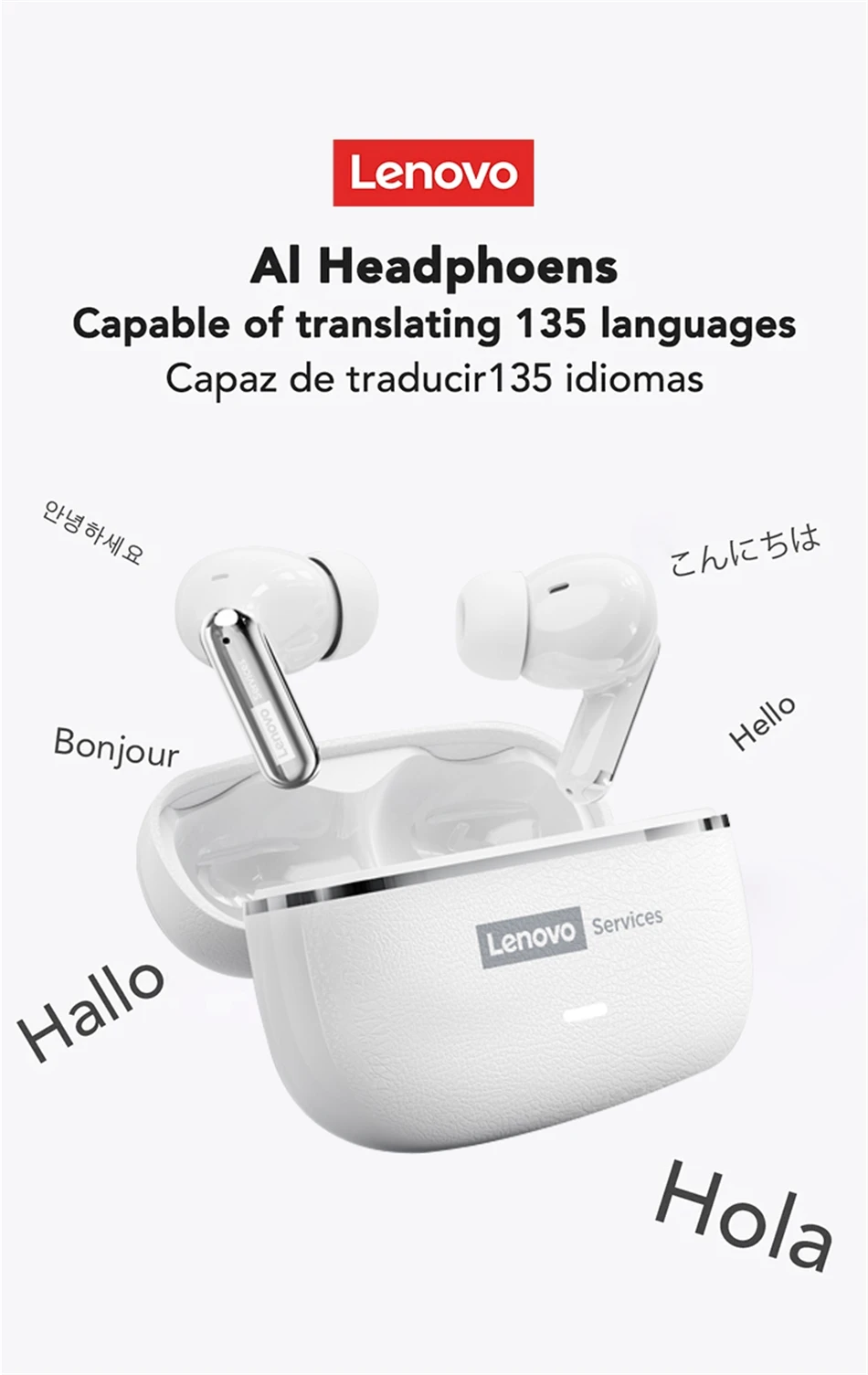
Al Headphoens Capable of translating 135 languages
Capaz de traducir135 idiomas
 Excellent build quality Greater sound quality

wireless earphones
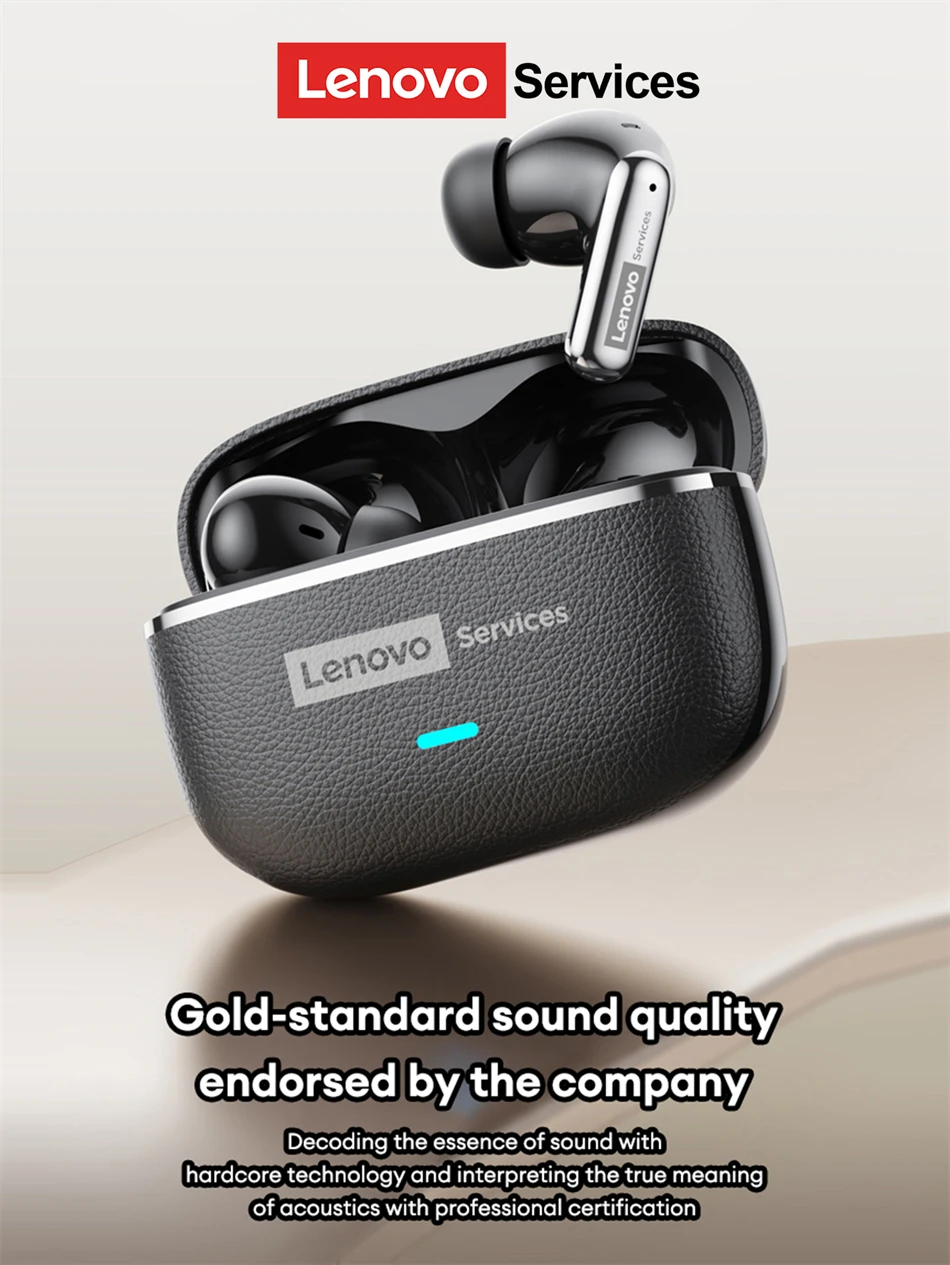
1.Minimalist aesthetic Luxury leather-grain design
2.ENC call noise cancellation
3.Core Power King New Wireless V6.0
4.Innovative CD-grade acoustics High-resistance dynamic coil
5.Immersive 3D spatial sound
6.7-hour battery life 36-hour battery life
7.38ms low latency Music/Gaming dual mode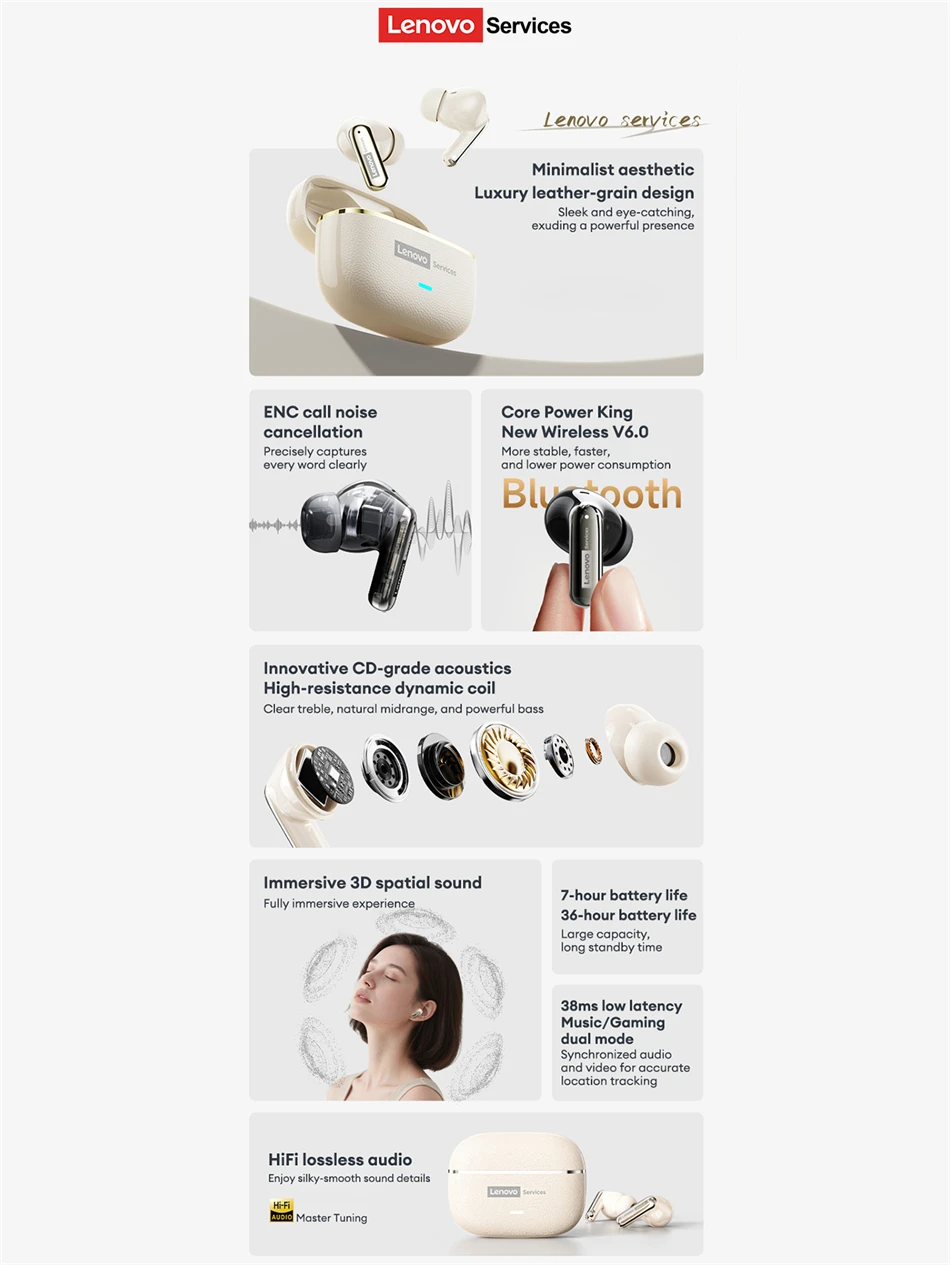 Vibrant Colors Stylish Earphones
A vibrant color scheme and a combination of glossy and matte finishes create a stylish and stylish pairing.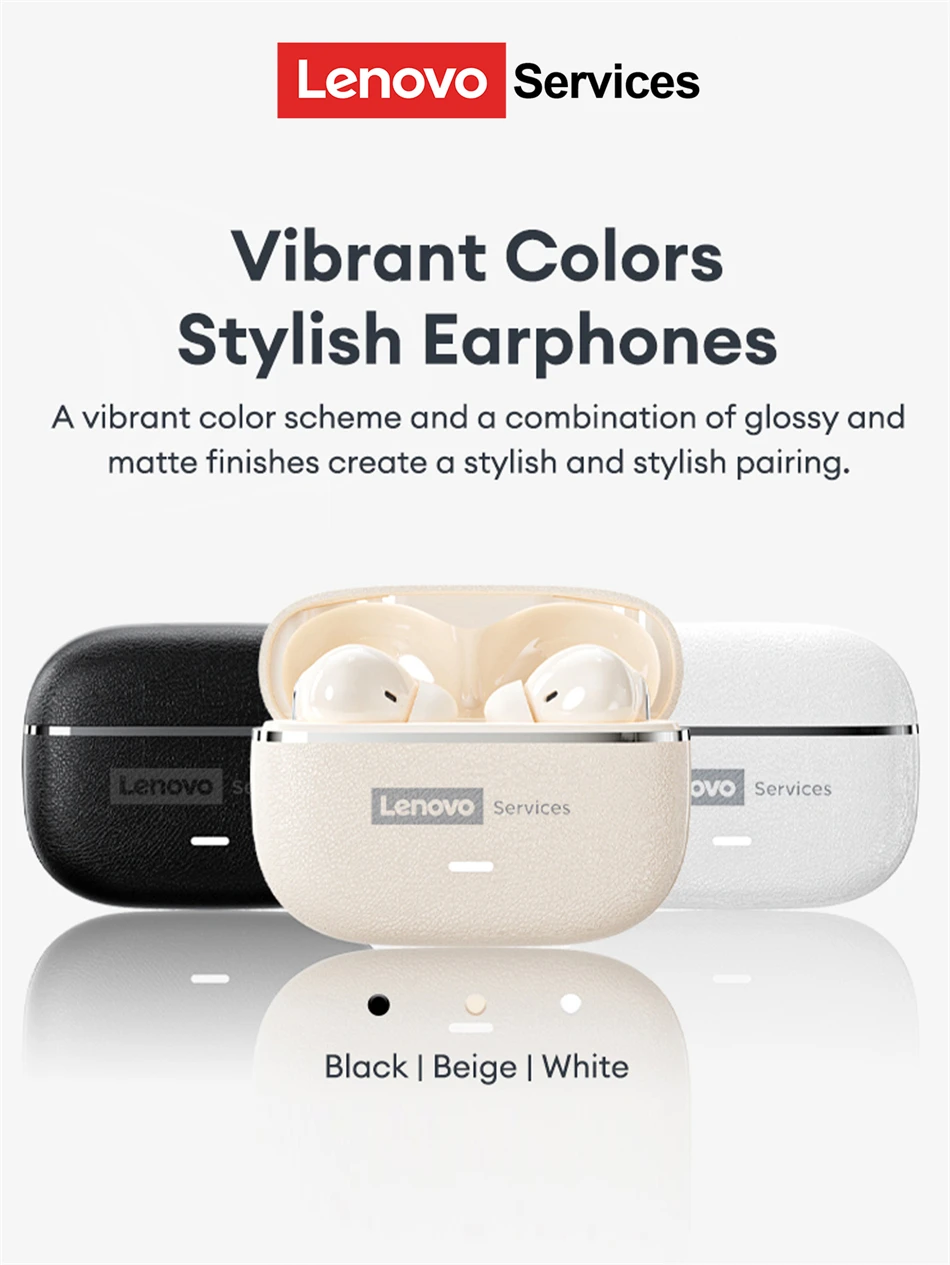 Completely revamped acoustic chamber structure
Sound quality loss and distortion are significantly reduced achieving a meticulously balanced immersive soundstage and three-dimensional space. Gold standard sound quality endorsed by the company
 Intelligent ENC Noise Cancellation
Intelligent passive noise cancellation on the earphones accurately captures and eliminates noise.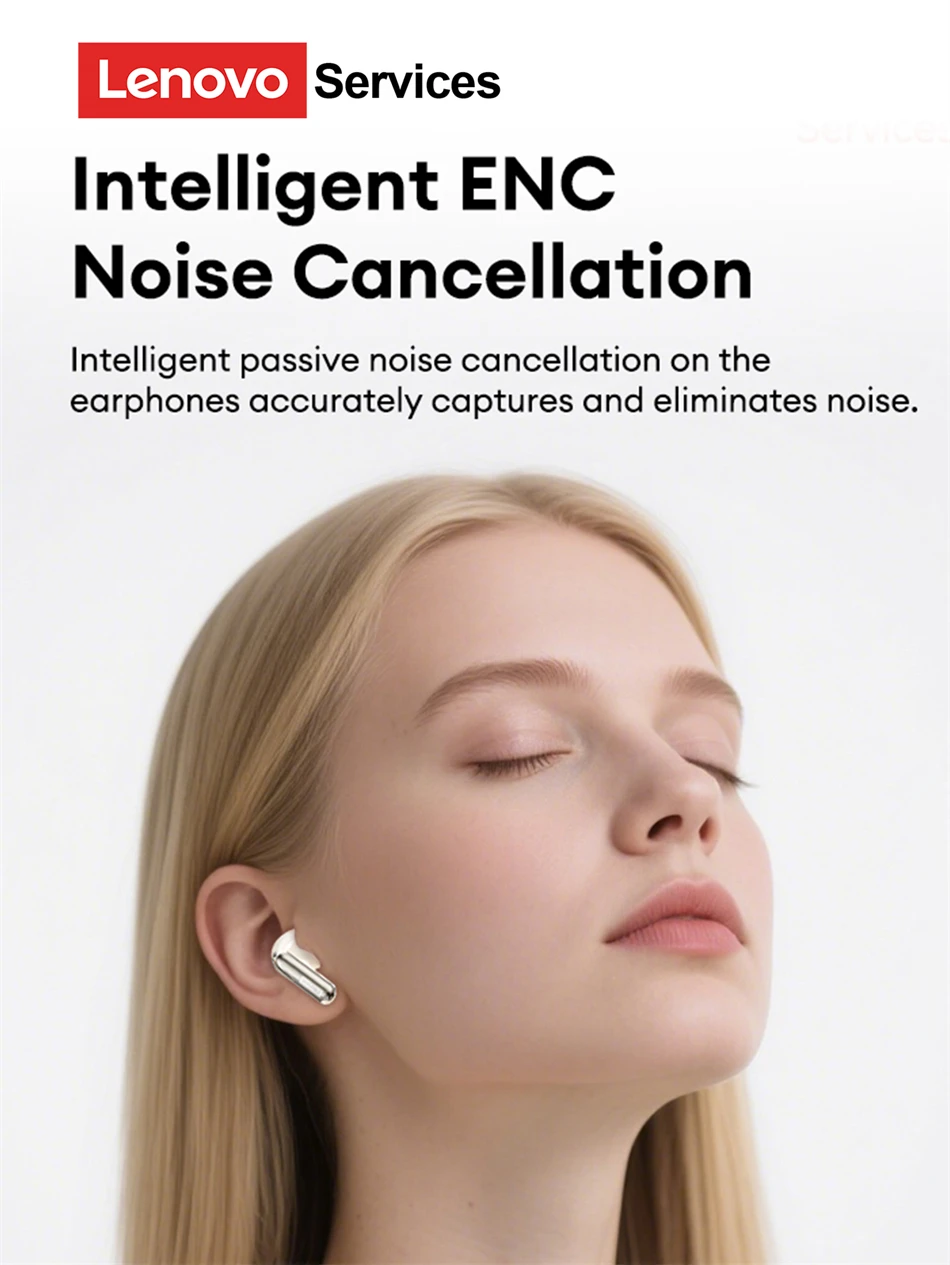 lmmersive lMAX level spatial qudio
These groundbreaking TWS earbuds feature a new Wireless 6.0 chip for ultra-fast transmission and improved interference resistance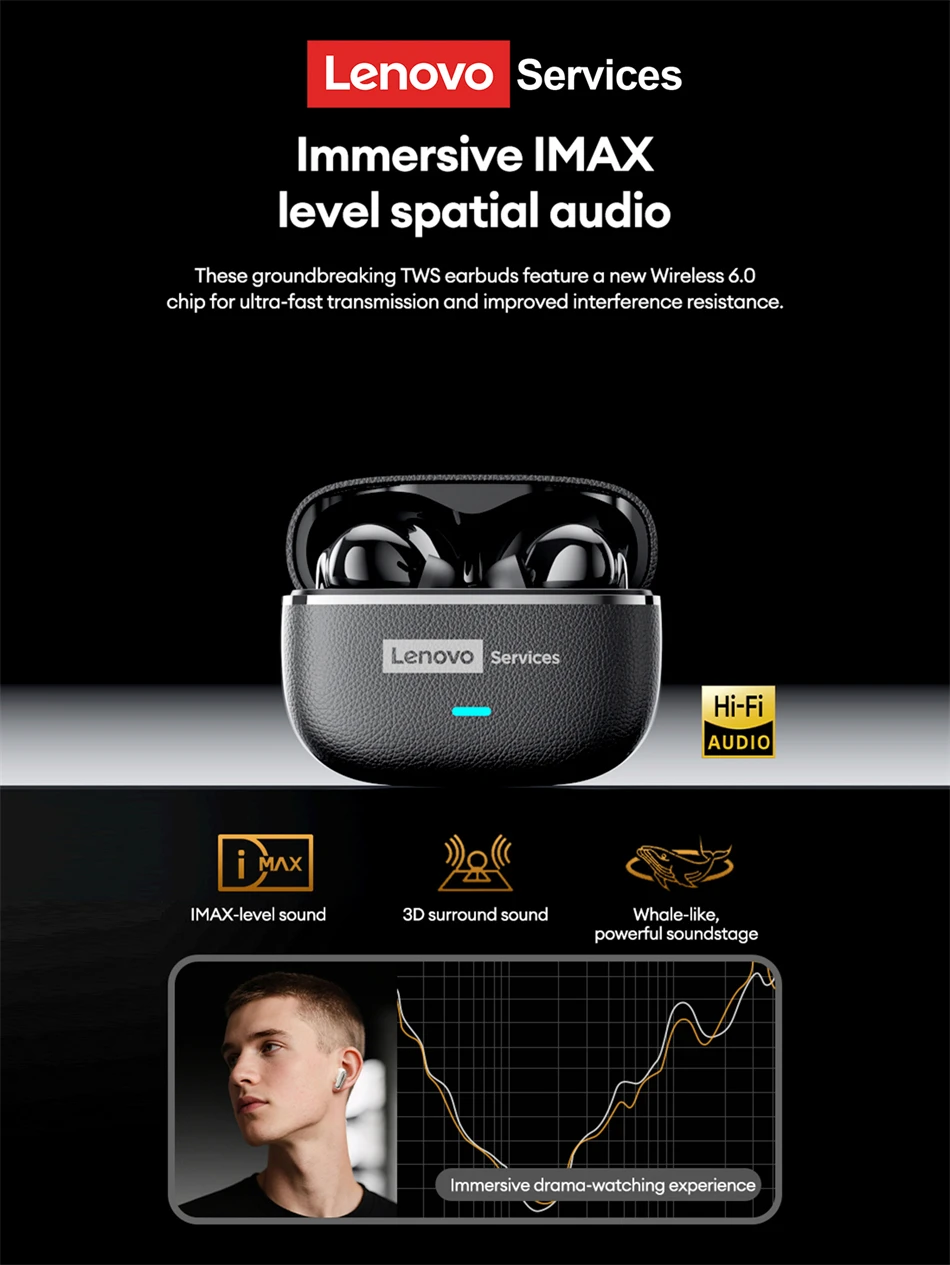 Dual-microphone Al noise reduction for calls
Highly sensitive dual-microphone sound pickup and Al wind noise reduction ensure clear calls even when running outdoors.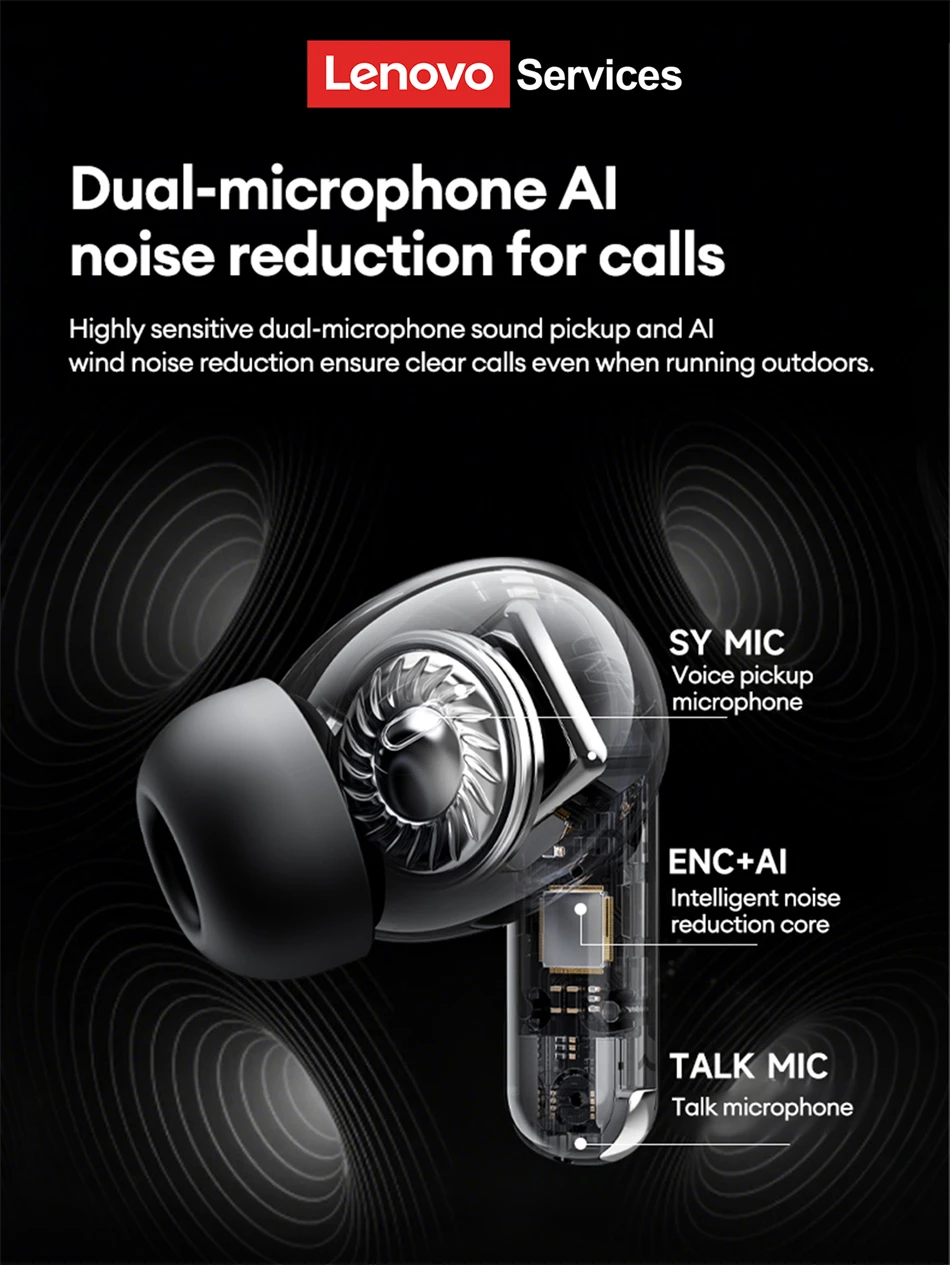 High-resistance 13mm dynamic driver
ACAVITY acoustic cavity for high-resolution hi-fi-grade sound quality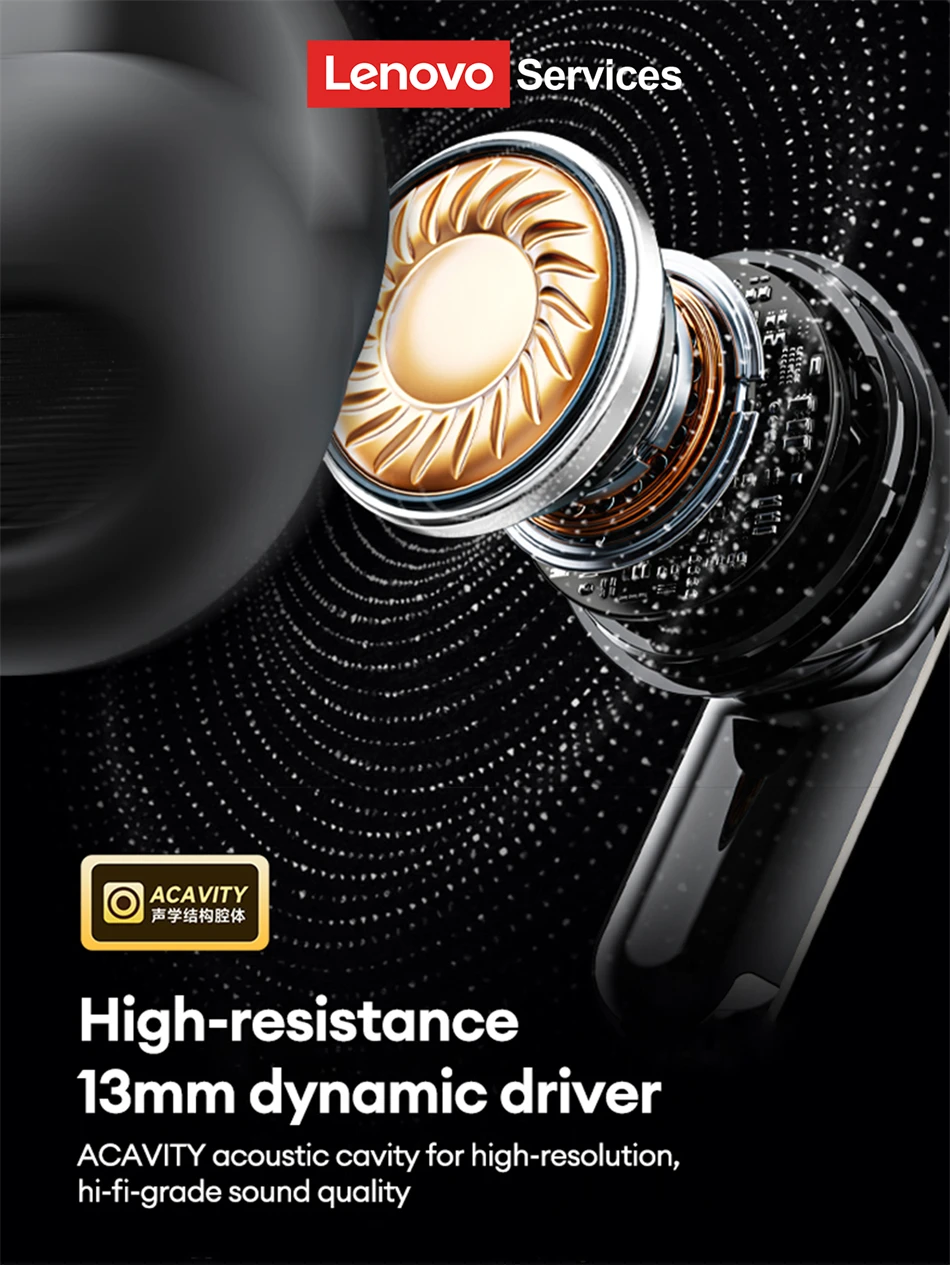 38ms low latency
Put yourself in the thrill of the game and experience true audio-visual integration.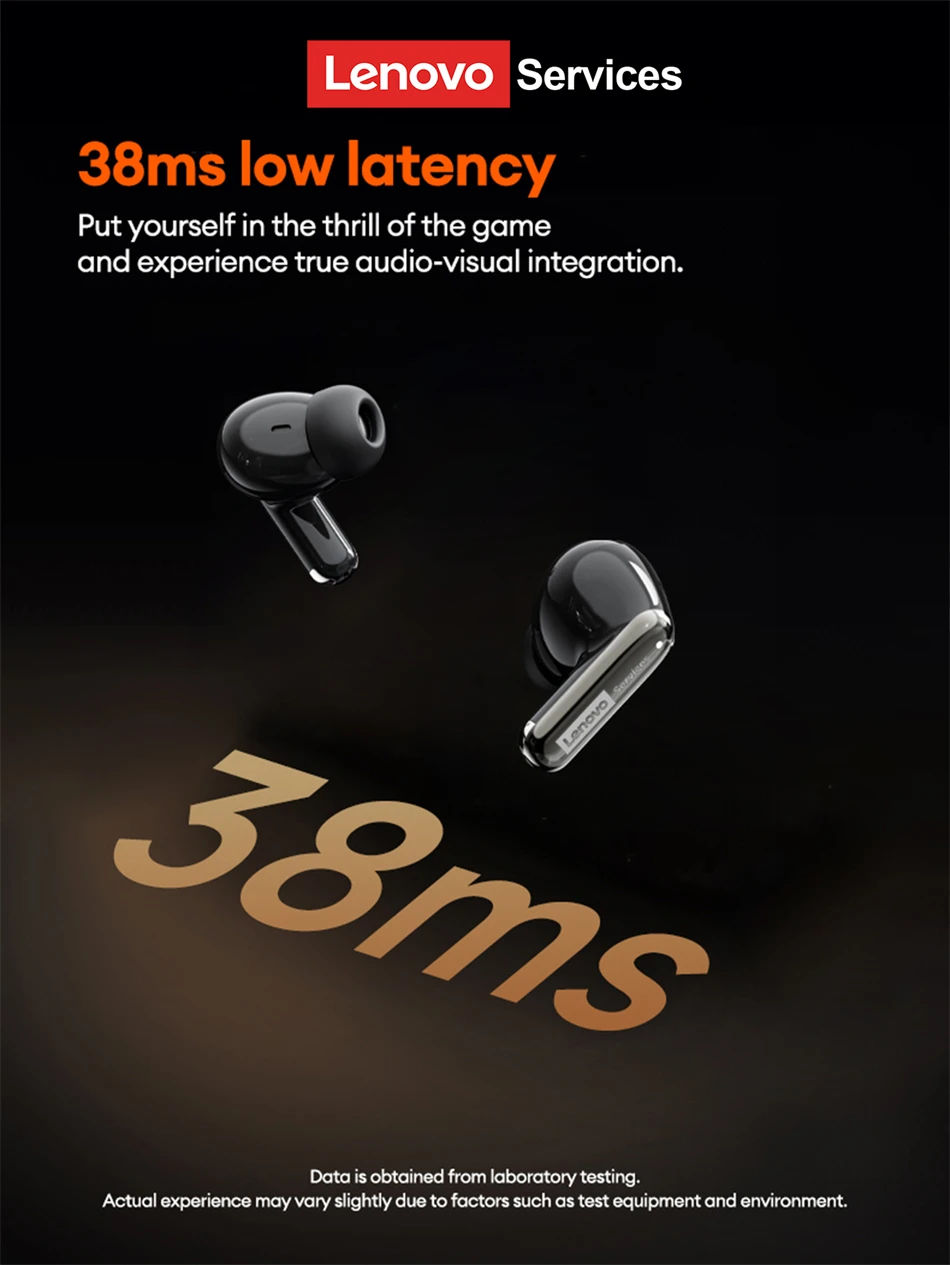
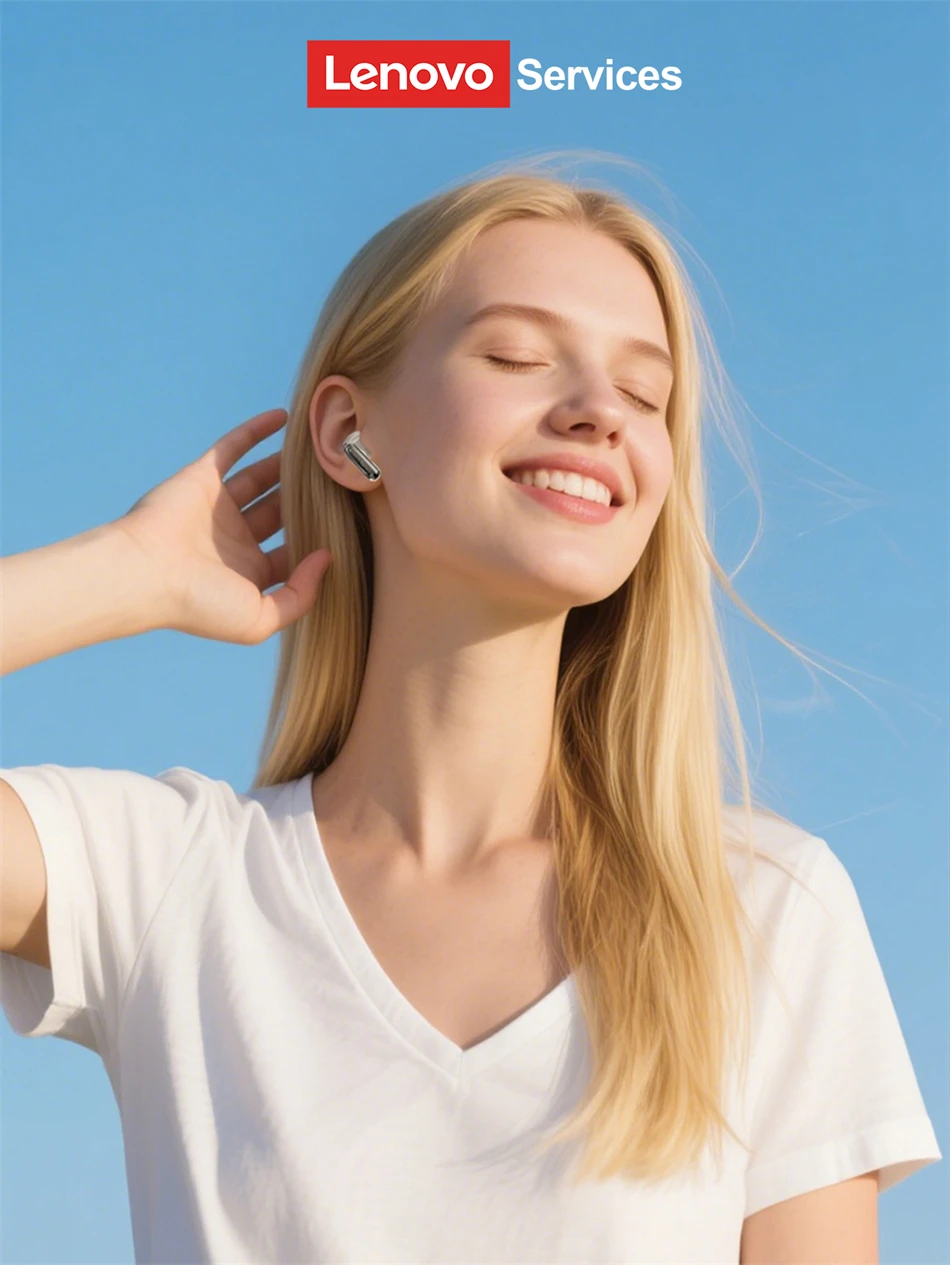 36-hour battery life
Power-free, music keeps you connected, from your morning run to late night. Charge for 15 minutes and enjoy 170 minutes of listening time.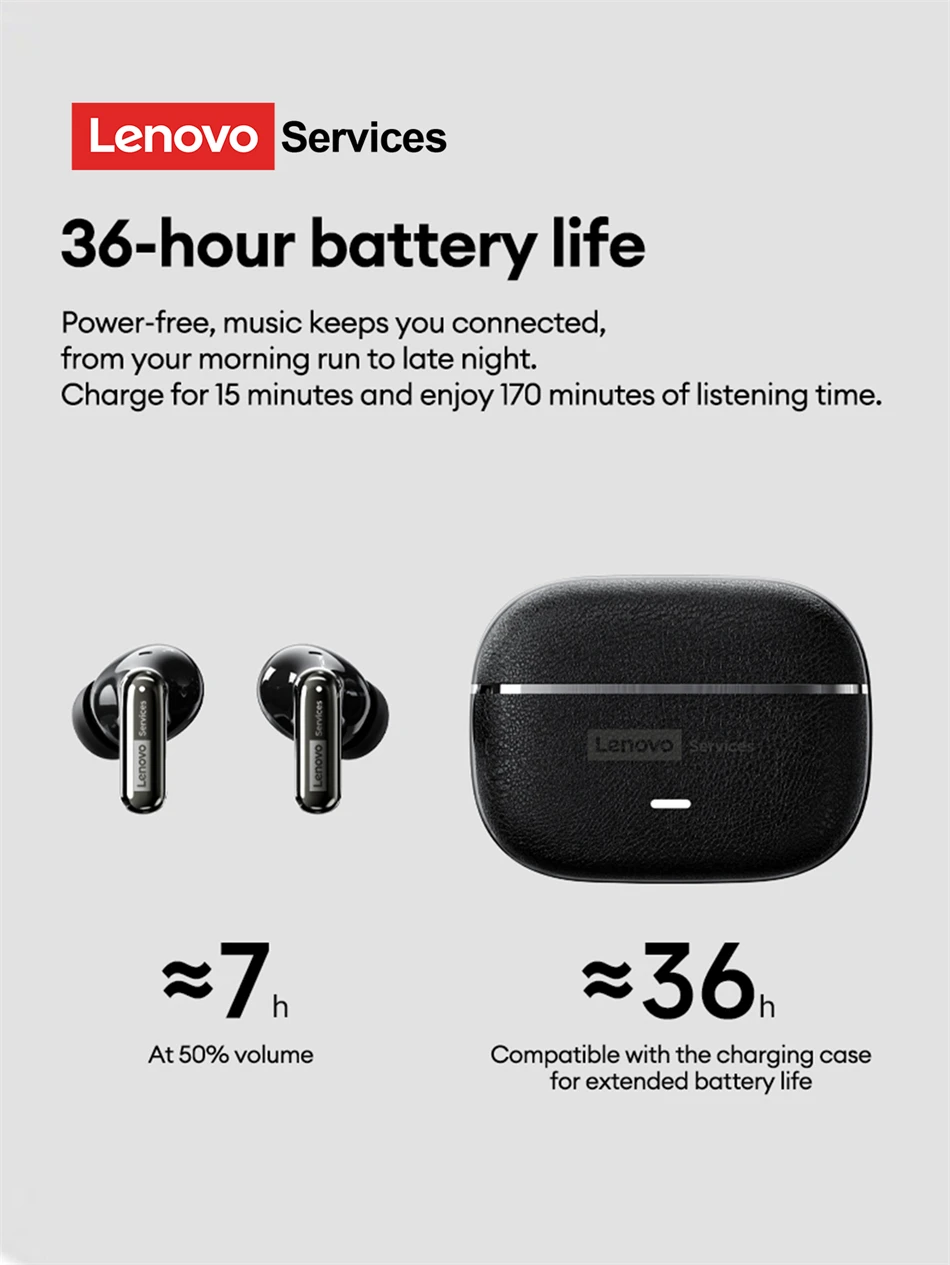 Smart Gesture Controls
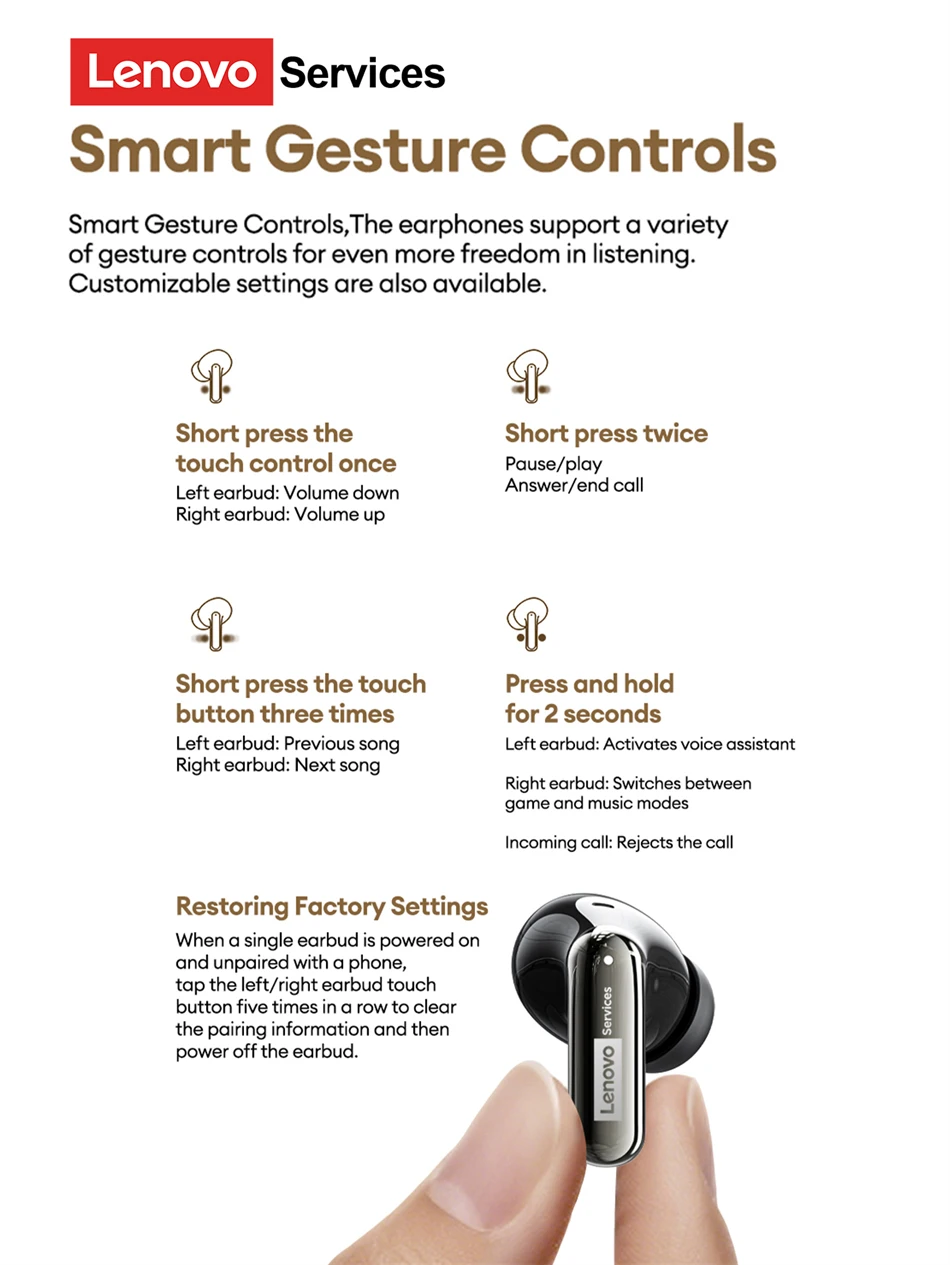
Smart Gesture Controls,The earphones support a variety of gesture controls for even more freedom in listening. Customizable settings are also available.
 FAQ:
FAQ:
1. Are they comfortable while wearing?
Yes. The headphones are sized to fit most people's ear size and provide more convenience while maintaining comfort.
2. Do they pair automatically with the phone or do I have to connect manually each time?
Yes, of course. It will automatically connect with your device after first-time use.
3. How long does it take to fully charge?
Generally, 1.5 hours is enough to get it fully charged for earphones and 1 hour for earphones compartment.
4. Does this have a built-in microphone?
Yes, a built-in microphone is made for clear talks.
5. Is this sound leak serious?
As long as the volume is not the maximum, there will be no leakage of sound. As for the health of the ear, you should also avoid using the maximum volume for a long time.
FAQ:
Q: What should I do if the headset received unable to turn on?
A: Confirm that the charging case has power left.If charging case power off, please put the earphones in charge case and charging for 1 hour and try again.
Q: What should I do if Sound comes from only one earphone?
A: Put both earphones back into the charging case and close the cover, then take them out again to check whether both ears have sound. If only one earphone still has sound, please restore the factory settings for both earphones.
Q: How to solve the problem that the mobile phone prompts that it cannot connect?
A: Delete the pairing record on the mobile phone, and then search for pairing and connect again.
Q: How to solve the problem that there is no sound when listening to music or calling?
A: There is a settings icon on the right side of the Bluetooth connection name on Android phones. Click to enter, turn off the mobile phone audio and media audio, and then turn them on again. If there is still no sound, please re-pair the earphones with the mobile phone.
Q: Why is there a delay in video or games?
A: Affected by factors such as the use environment, network and mobile phone Codec, there will be different degrees of delay when the mobile phone transmits audio data to the earphone.
Q: How to solve the problem of stuck or intermittent sound?
A: If there are a lot of Wi-Fi, 5G or 4G signals, high-power electrical appliances around, it may cause stuck and intermittent sound. Please Change the environment or re-pairing can solve the problem.
Other Tips:
1. Before using the earbuds, please read the manual carefully and keep it for future references.
2. The earbuds need to be fully charged prior to first-time use.
3. lf the earbuds are left unused for over two weeks, please recharge.
4. Please use the chargers made by qualified manufacturer.
5. lf earbuds fail to be found by phone, please re-turn them connectable or restore factory settings.
6. lf a program error of phone occurs, please turn off and on Bluetooth function or reboot the phone.